Editing a multicam DJ set by hand takes days.
Syncing the cameras takes an evening. Cutting on the beat takes a weekend. RaveCut does both for you.
RaveCut is a plugin that edits your multicam DJ set for you. Choose the folder from the night: it syncs every camera and cuts between them on the beat, right in Premiere Pro or DaVinci Resolve Studio. Offline, on your Mac.
First edit free, just your email. 30-day refund.

Every camera started at a different moment. RaveCut lines them all up to your set recording.
It hears the music and switches cameras right on the beat, all night long.
Dark, blown-out or blurry moments are skipped for you.
A clip it can't line up is set aside and flagged for you, never placed out of sync.
You check the edit. RaveCut does the rest. How we know it works.
Syncing the cameras takes an evening. Cutting on the beat takes a weekend. RaveCut does both for you.
The panel in Premiere Pro. Resolve Studio has the same steps.
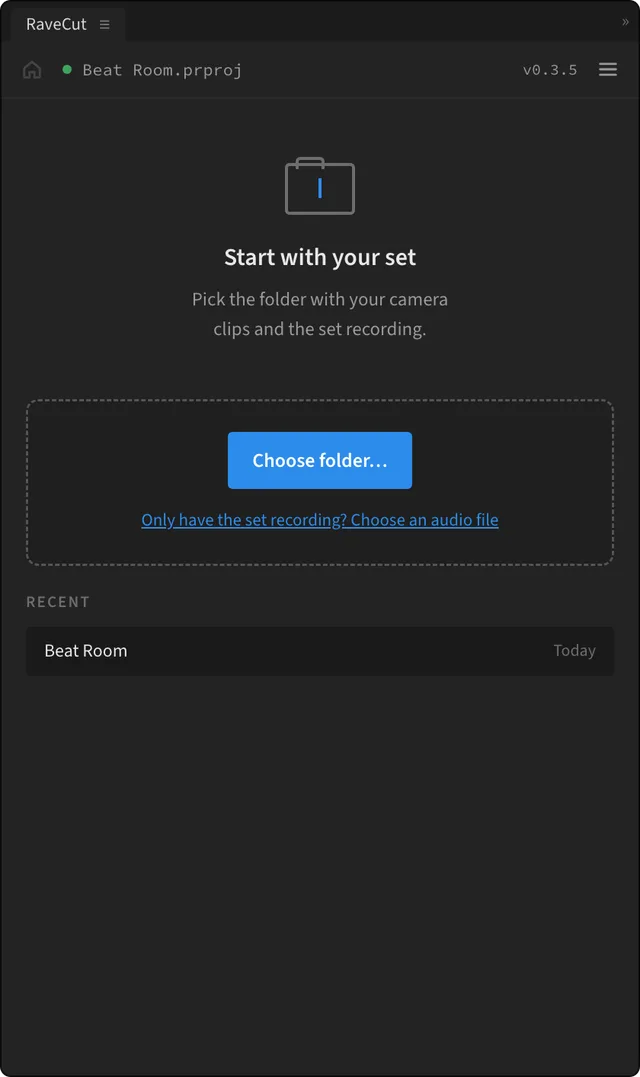
Your cameras and your set recording. No sorting or renaming.
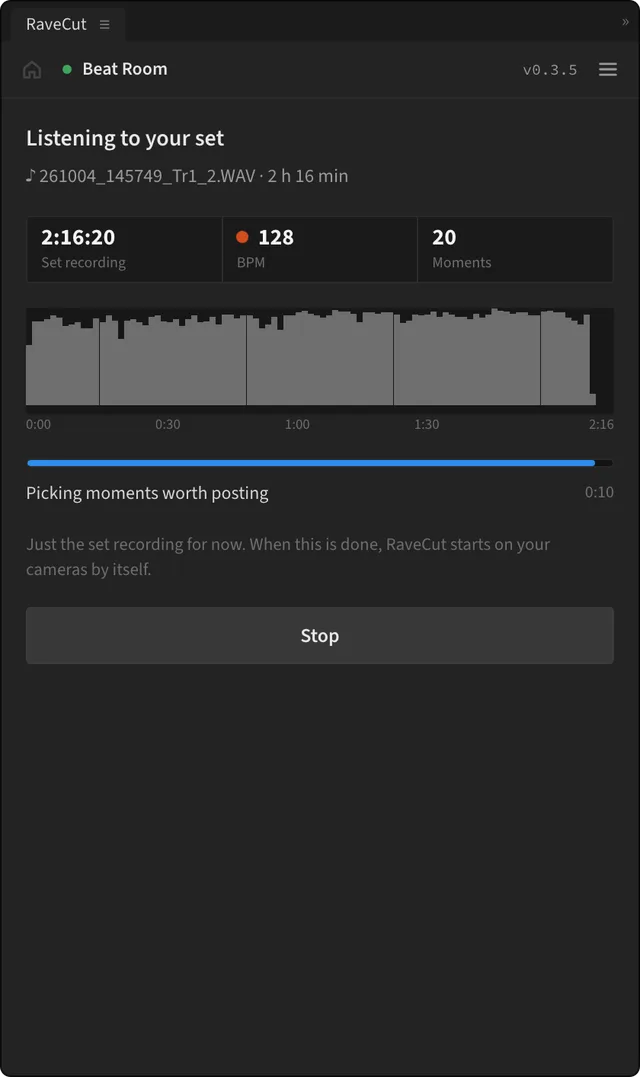
It finds the beat and the big moments in your set recording. A minute or two.
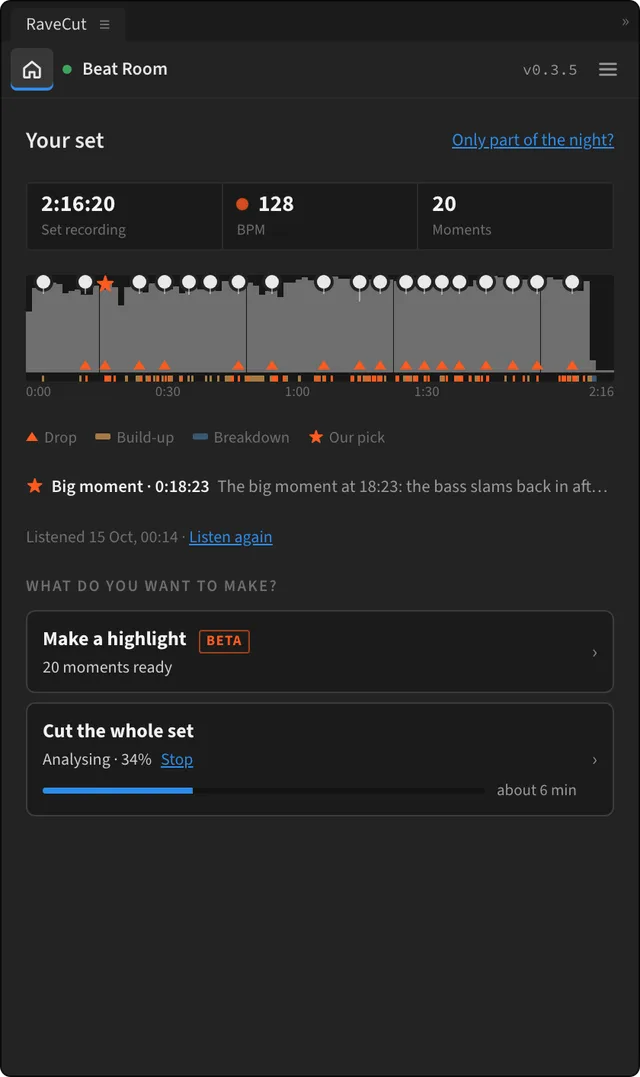
Cut every camera start to finish, or make short clips to post (beta).
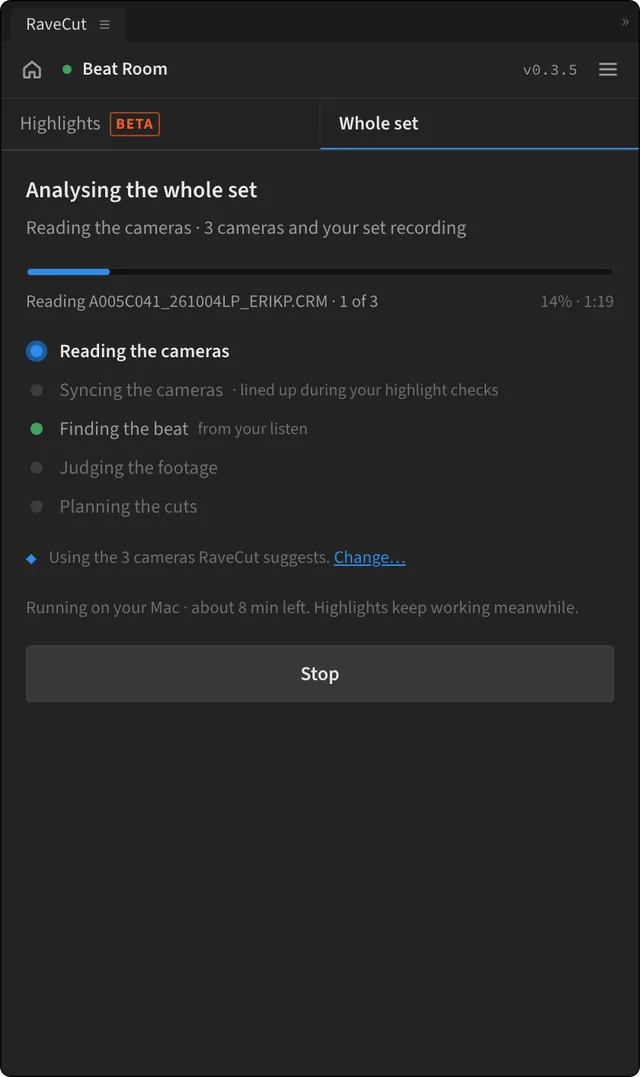
Lines up the cameras, checks every shot, plans the cuts. Most sets: 15 to 35 minutes on an M1 Max.
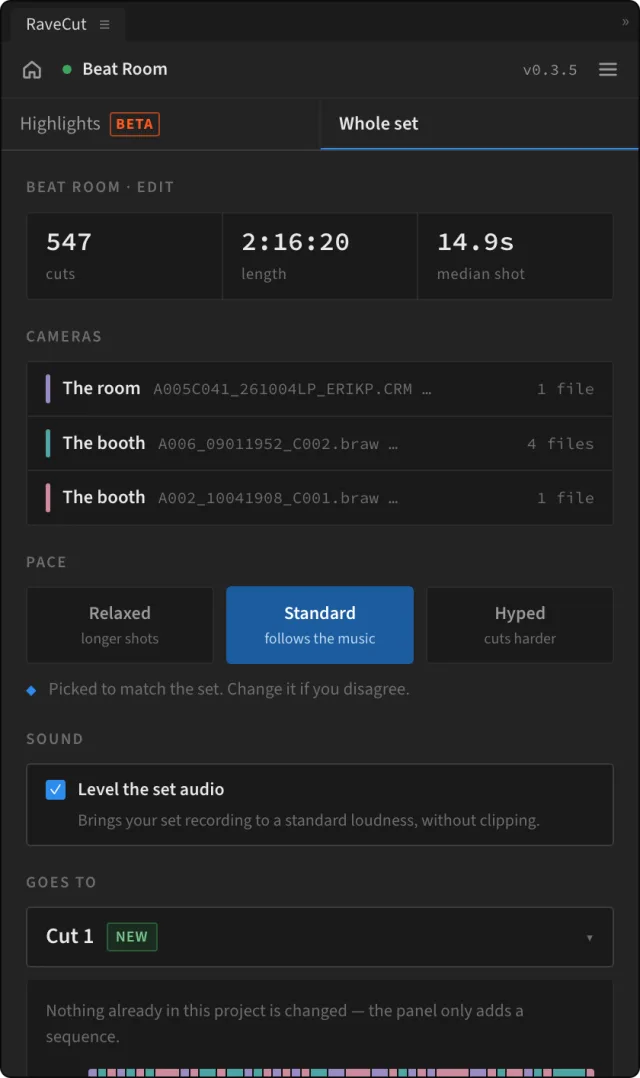
Pick a pace. A new sequence, Cut 1, appears in sync, ready to finish.
Frames from the panel; timings illustrative.
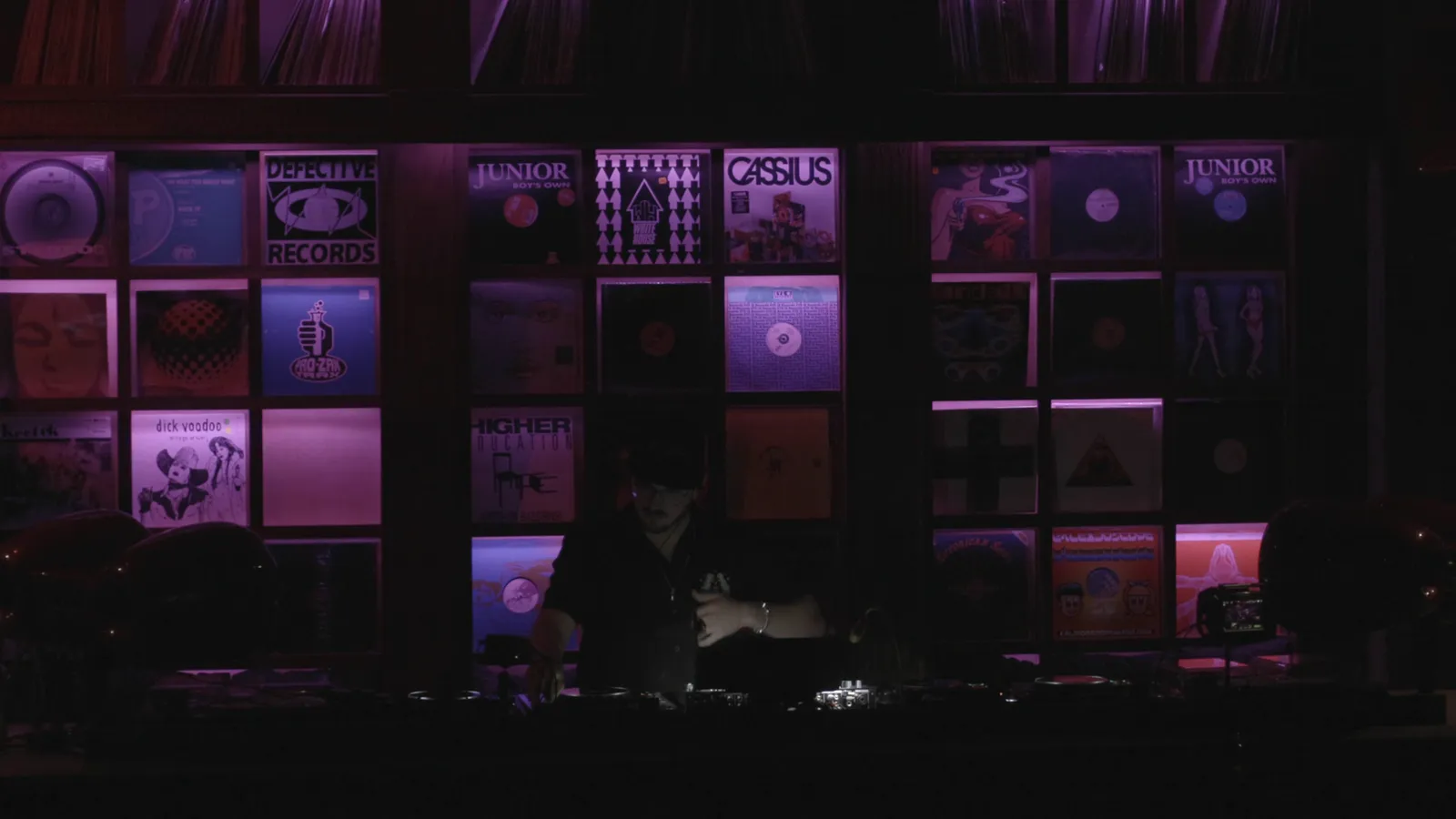
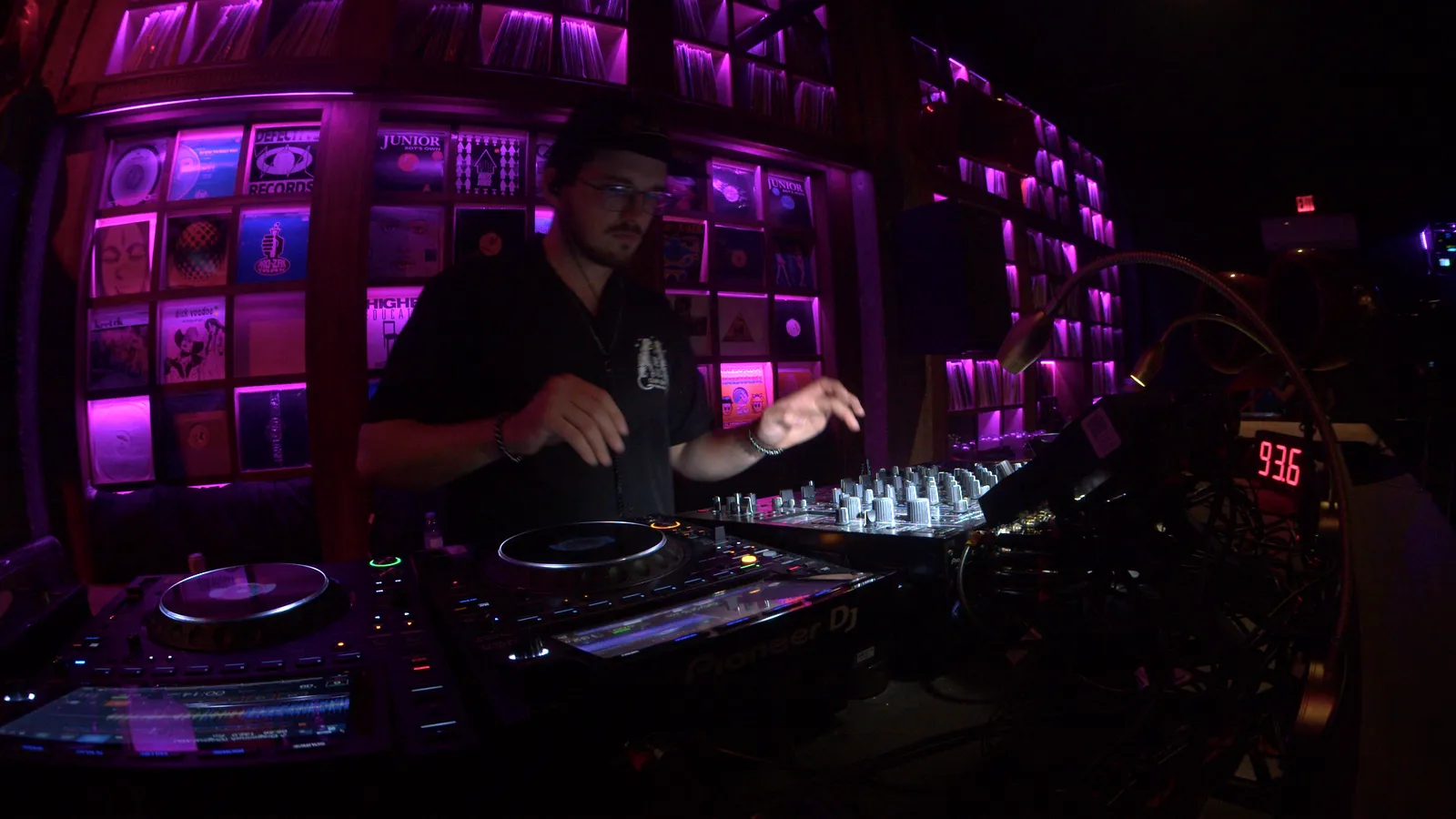
22 seconds of Erik's set. Every cut is RaveCut's.
Swap any cut by hand.
Levelled and in sync.
Relaxed, Standard or Hyped.
Anything it couldn't sync is switched off and flagged.
A camera it can't sync for certain is switched off and flagged, never placed wrong. Nothing you filmed is left out.
Wrong syncs on 144 test clips with known answers.
Test clipsAutomated tests before every build.
Every buildTouches your existing sequences. It adds a new one.
A product ruleEvery number is measured. If we can't measure it, we don't say it.
It finds the drops, frames every camera and makes the clip.
Unsure? It says so, and you drag the box.
A crowd shot caught mid-move stays out.
Beta: Premiere Pro today, Resolve next.
16 GB of memory works; 32 GB for long nights.
Half price for the first 100 buyers. $250 after.
30-day money-back, no questions. How refunds work →
USD, via Lemon Squeezy. Your key arrives by email.
Any electronic music event: club nights, raves, festivals, open-airs, livestreams.
No. If you can pick a folder, you can use it. If you do edit, you get a normal sequence to finish your way.
It's still placed, switched off and flagged orange. Slide it into place or leave it out.
No. It never changes anything you've already made. It adds a new sequence you can keep, change or delete.
Yes. Your footage never leaves your Mac. It needs the internet only once, to check your key when you activate.
Yes, within 30 days, no questions asked.
The full list needs JavaScript. Email support@ravecut.com or read the guide.
A Premiere Pro and Resolve Studio plugin that syncs every camera and cuts your multicam DJ set on the beat. Choose the folder from the night, get an edit.
First edit free, just your email · 30-day refund · first 100 buyers $125 with LAUNCH50
Cut 1 of Erik's own set: 3 cameras, 2 h 16 min, one file flagged.
22 seconds of Erik's set. Every cut is RaveCut's.
A camera it can't sync for certain is switched off and flagged, never placed wrong. Nothing you filmed is left out.
Launch price · first 100 buyers · code LAUNCH50
30-day money-back, no questions. Needs an Apple silicon Mac, macOS 26, Premiere Pro 2026 or Resolve Studio.
No. If you can pick a folder, you can use it. If you do edit, you get a normal sequence to finish your way.
It's still placed, switched off and flagged orange. Slide it into place or leave it out.
No. It adds a new sequence you can keep, change or delete.
Yes. Your footage never leaves your Mac. It needs the internet only once, to check your key.
Any electronic music event: club nights, raves, festivals, open-airs, livestreams.